

BYD SeaLion 7
Safe Family SUV
Electric SUV for families


"This content is part of a student project at UCLAExtension. Any logos used might be slightly changed to indicate that thisdocument is NOT a communication from the company represented by the changedlogo. Any statements made in this content are the statements of the UCLAstudent and not of any company. This statement is made so that any reader willunderstand this document is part of a UCLA student project and NOT acommunication from any existing company."
Buyer Persona: Overwhelmed Antonella
Buyer’s Journey Stage: Awareness
Head Keyword: lecture notes
Long-Tail Keywords: how to take lecture notes without missing information; lecture notes problems for overwhelmed students

When lectures move fast, trying to type everything can increase stress and still leave gaps.
Antonella didn’t skip class. She didn’t “not care.” She was the student who arrived early, sat near the front, and opened her laptop like she was walking into a battle she couldn’t afford to lose.
But by week four, the pattern was the same every time.
She would start strong—typing fast, trying to keep up—until the lecture accelerated, the professor jumped slides, or a key definition was said once and never repeated. Then her brain split in two. Half of her tried to listen. The other half panicked and tried to capture every word.
When class ended, she had pages of text and still felt behind.
That night, she stared at her notes and thought:
“I was there. Why do I feel like I missed everything?”
She wasn’t failing because she was overwhelmed.
She was overwhelmed because her note-taking had become a high-stress guessing game.
Antonella’s real enemy had a name: real-time capture pressure.
It’s that moment when you’re forced to do three hard things at once:
That pressure creates a brutal trade-off:
If you focus on typing, you miss meaning.
If you focus on meaning, you miss details.
And for Antonella, the details were everything—definitions, names, dates, examples, the phrasing the professor used right before saying, “This will be on the exam.”
She didn’t need “better discipline.”
She needed a system that could capture the lecture for her—so she could stay present and actually learn.
In this story, the hero is a fictional tool called NoteHero Pro—a lecture capture and AI summary assistant.
Antonella didn’t discover NoteHero Pro because she wanted a gadget. She found it because she wanted relief.
A simple promise caught her attention:
Capture the lecture clearly—then let AI help you turn it into study-ready notes.
NoteHero Pro became the hero in her routine for one reason: it removed the pressure of “I must write everything right now.”
Instead of trying to be a human recorder, Antonella could become what she actually needed to be in class: a student who listens, understands, and asks better questions.

Here’s what made it feel like a “hero” and not just another app:
NoteHero Pro is designed to capture voices in real rooms. For a student, that matters because lectures aren’t recorded in studios.
In her experience, she could place it on a desk and still capture the professor’s voice from across the room (up to around 5 meters, depending on the environment). That meant she didn’t have to hover near the podium or constantly worry her phone mic wouldn’t pick it up.
NoteHero Pro pairs recording with AI so the content becomes usable:
Add-ons that save you when you’re overwhelmed:
NoteHero Pro helped her go from “audio file” → “study-ready notes.”
That’s what a hero does: it turns chaos into clarity.
The first lecture she tried the new system, she made one rule:
In class: capture meaning, not paragraphs.
She wrote only:
Because she knew: the lecture was being captured.
For the first time in weeks, she wasn’t “typing to survive.”
She was listening to understand.
And something unexpected happened:
She remembered more.
Because when your attention isn’t split, your brain can actually process and store information.
This is the exact routine that made NoteHero Pro feel like a hero—not a nice-to-have.
This is where NoteHero Pro becomes the hero.
Use the recording + AI outputs to create these study assets:
Now your “notes” aren’t just notes.
They’re a study system.
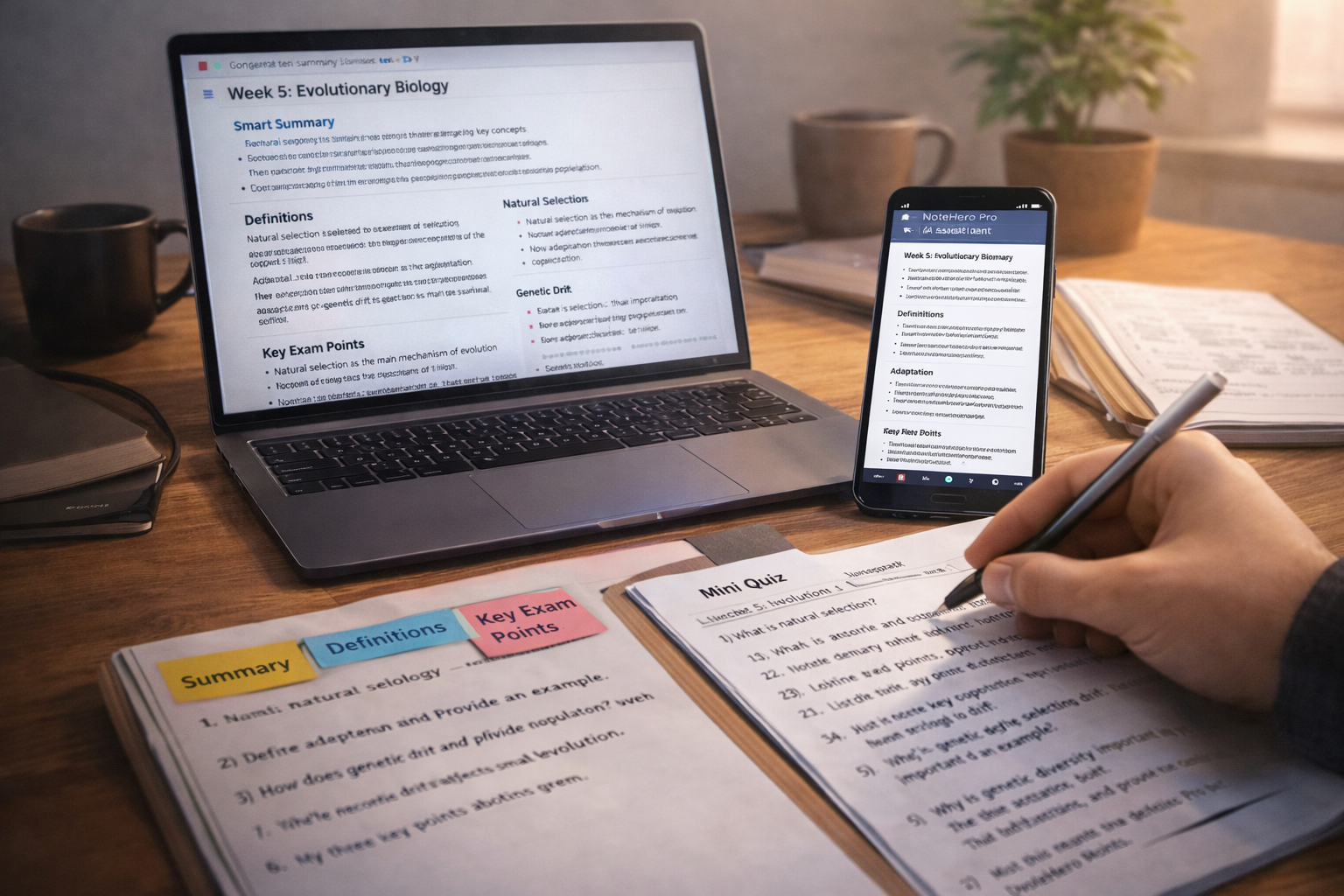
Overwhelmed students don’t fail because they can’t work hard. They struggle because their workload is unstructured.
NoteHero Pro helps because it reduces three specific stress triggers:
This is what “making life easier” actually means:
less panic during class, less chaos after class.
Antonella’s real question wasn’t, “What tool should I buy?”
It was:
How do I take lecture notes without missing information—without stressing out in the moment?
The answer wasn’t “type faster.”
It was: separate capture from understanding.
NoteHero Pro handles capture.
You handle understanding.
That separation is the whole transformation.
Before, Antonella’s notes were long paragraphs with missing pieces.
After, her workflow looked like this:
In-class notes (short):
After-class outputs (clean):
She wasn’t studying more.
She was studying smarter—because the lecture became searchable, structured, and reviewable.
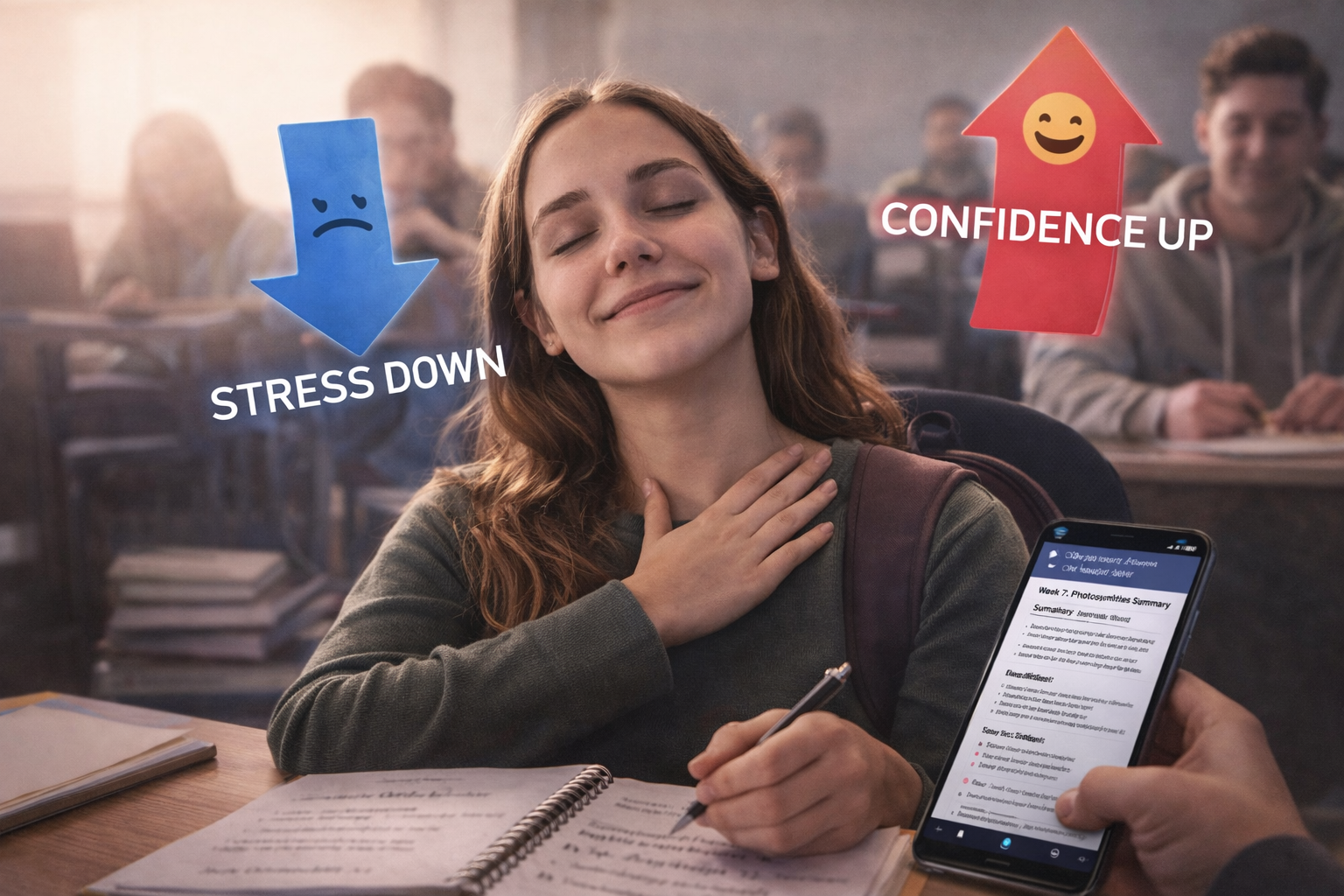 When capture pressure drops, confidence goes up.
A week later, Antonella noticed something that surprised her: she wasn’t afraid of lectures anymore.
Before, she walked into class thinking, “I hope I can keep up.” She worried about missing definitions, forgetting examples, and not writing fast enough. That anxiety made her notes worse—because stress steals working memory.
With NoteHero Pro, the pressure shifted. She didn’t feel like she had to “perform” note-taking in real time. She could pay attention, follow the logic, and actually understand what the professor was building toward.
After class, she opened the recording and used the AI outputs like a shortcut to clarity:
What changed wasn’t just her notes—it was her routine.
Antonella started using NoteHero Pro for the same two moments every week:
And that’s when the “hero” effect became real. NoteHero Pro didn’t magically make class easier. It made the process manageable. It gave Antonella a way to recover from missed moments without panic, and a way to transform lecture content into something she could study from—consistently.
If you’re overwhelmed, you don’t need a perfect system. You need a repeatable one. Start small: use NoteHero Pro for one lecture, then review the outputs for 10–15 minutes. The first win is not “perfect notes.” The first win is feeling confident that you captured what matters—and that studying won’t take the entire night.
Antonella didn’t become a better student because she suddenly found more hours in the day.
She became a better student because she stopped forcing her brain to do impossible work in real time.
NoteHero Pro didn’t replace studying.
It removed the chaos that made studying feel impossible.
If you’re overwhelmed and your lecture notes don’t help you later, start with this:
Next step (this week): Use a capture + AI summary workflow for one lecture.
Keep your in-class notes short. Let the system give you clarity after.
Because the goal isn’t perfect notes.
The goal is capturing key points without stress—and turning lectures into study-ready action.